
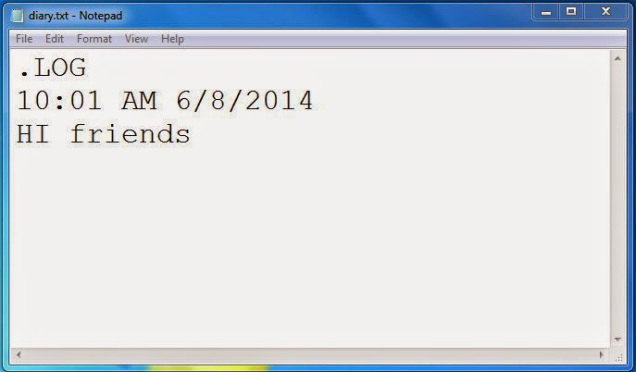
Here you will learn how to use notepad as Personal Diary or a Digital log book to keep record of your daily work instead of using pen and paper. To create your own personal diary follow these steps.
1. Open Notepad application on your computer and Type .LOG (in capital Letters) and press enter.
2. Save the program file with any name whichever you want in your drive and close this file.
3. Open the file again. Now you will see current date and time on new line, This will happen every time you reopen this notepad file.
Every time this file will be open with current date and time to record your task to track it back. You haven’t need to manually enter date or time for your record, this file will auto manage this for you.
You will also like this Article: Display custom text on boot screen while startup of Windows
Leave a Reply