
Tag: command prompt
-
Access Your Folder as Drives in Windows
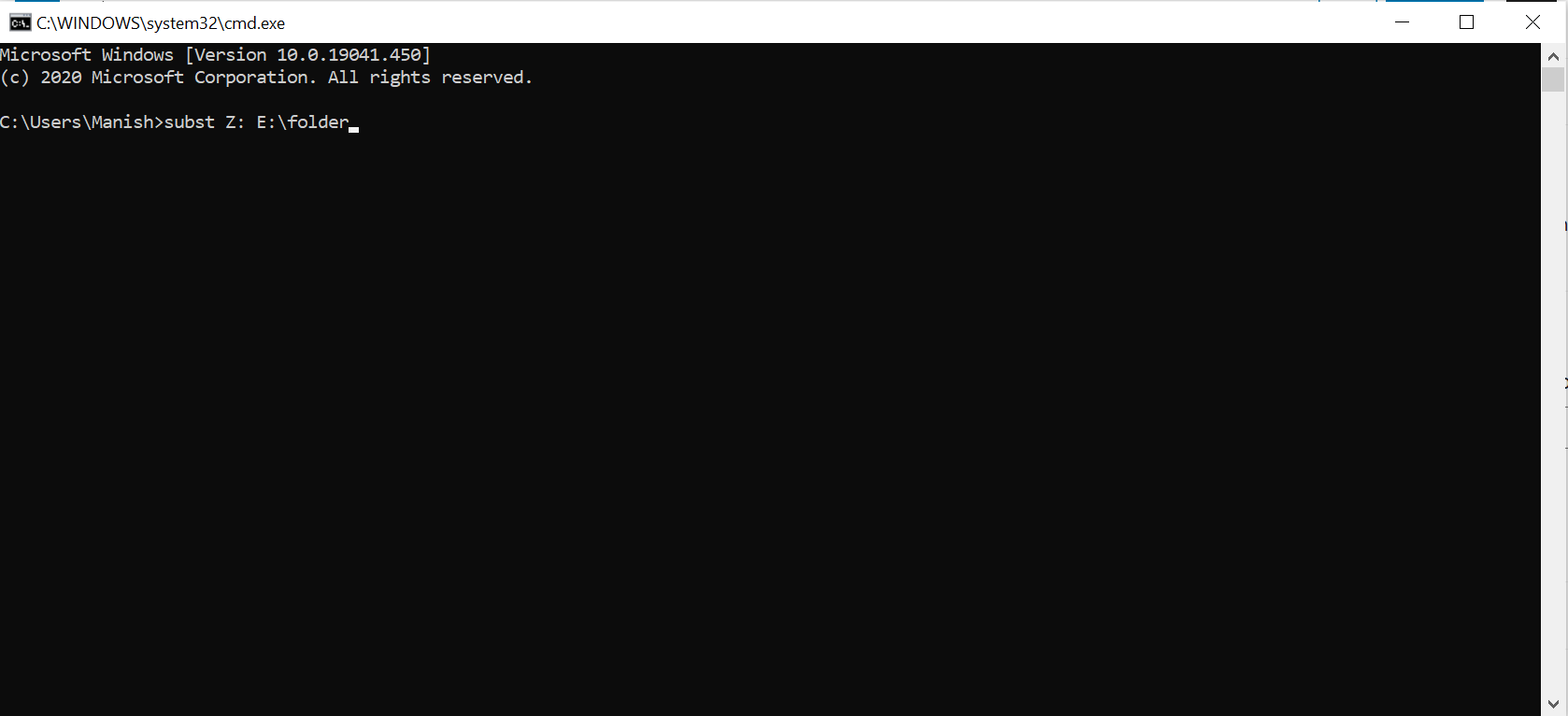
You can make your favorite folder to show as a separate drive as a part of system hard disk. 1. Start -> Run. 2. Type cmd and hit Enter. This will open “Command Prompt”. 3. Type subst Z: E:\folder and hit Enter key. You can replace Z: with your desired New Drive Letter (Except existing…
-
Making Pen Drive Bootable Using CMD
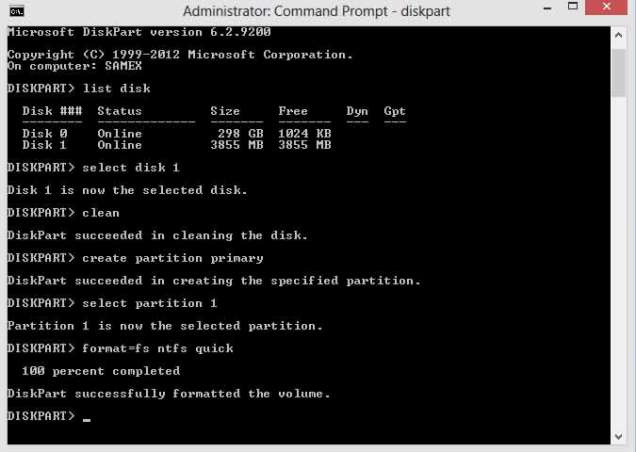
Making a pen drive bootable is possible in Windows 7 or higher version operating system. Formatting a computer to install fresh Windows OS with a CD/DVD drive is not very good because it takes too much time to install fresh Windows operating system. There can also be a problem for many people that CD/DVD drive…