
WhatsApp has launched its most anticipated web-based chat client. Now, WhatsApp can be used on desktop by Android, Windows Phone and Blackberry users. In a time of testing, the WhatsApp Web only works in Google Chrome browser, But now its available for all browsers.
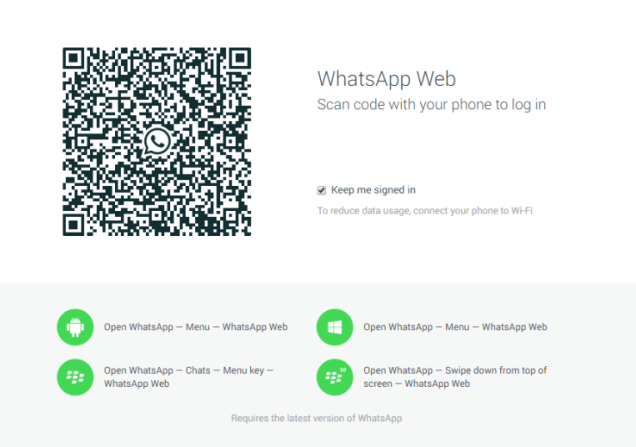
To log into the web version of WhatsApp, use Android, Windows Phone, or Blackberry version of the mobile app then scan a QR code that’s on web.whatsapp.com. This is not a standalone service, the web client mirrors from the WhatsApp app on your smart phone.
Setup steps:-
1. As mentioned earlier, you’ll need to download Chrome (PC | Mac) and the latest version of WhatsApp. Then visit official site inside any browser.
2. You should now see a QR code on the screen. There’s a check box to keep you signed in so you don’t have to scan a new QR code every time you want to use WhatsApp on your computer.
3. On your phone, launch the WhatsApp app and tap on the menu button. On Android, it’s the three dots at the top right of your chat list. You’ll see an option called WhatsApp Web. Tap on that and a QR code scanner will pop up. Scan the QR code displayed in Chrome and you’re done!
The QR would be a seemingly very secure way of logging in to a web interface. To the user it’s a single factor authentication but the security of a two factor. Not as easy as a traditional email/password combination but I would bet it’s far, far more secure and harder to “game” as your unique identifier with WhatsApp is your actual phone number.
You will also like our other article: WhatsApp New Features


Leave a Reply