
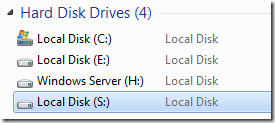
You can make your favorite folder to show as a separate drive as a part of system hard disk.
1. Start -> Run.
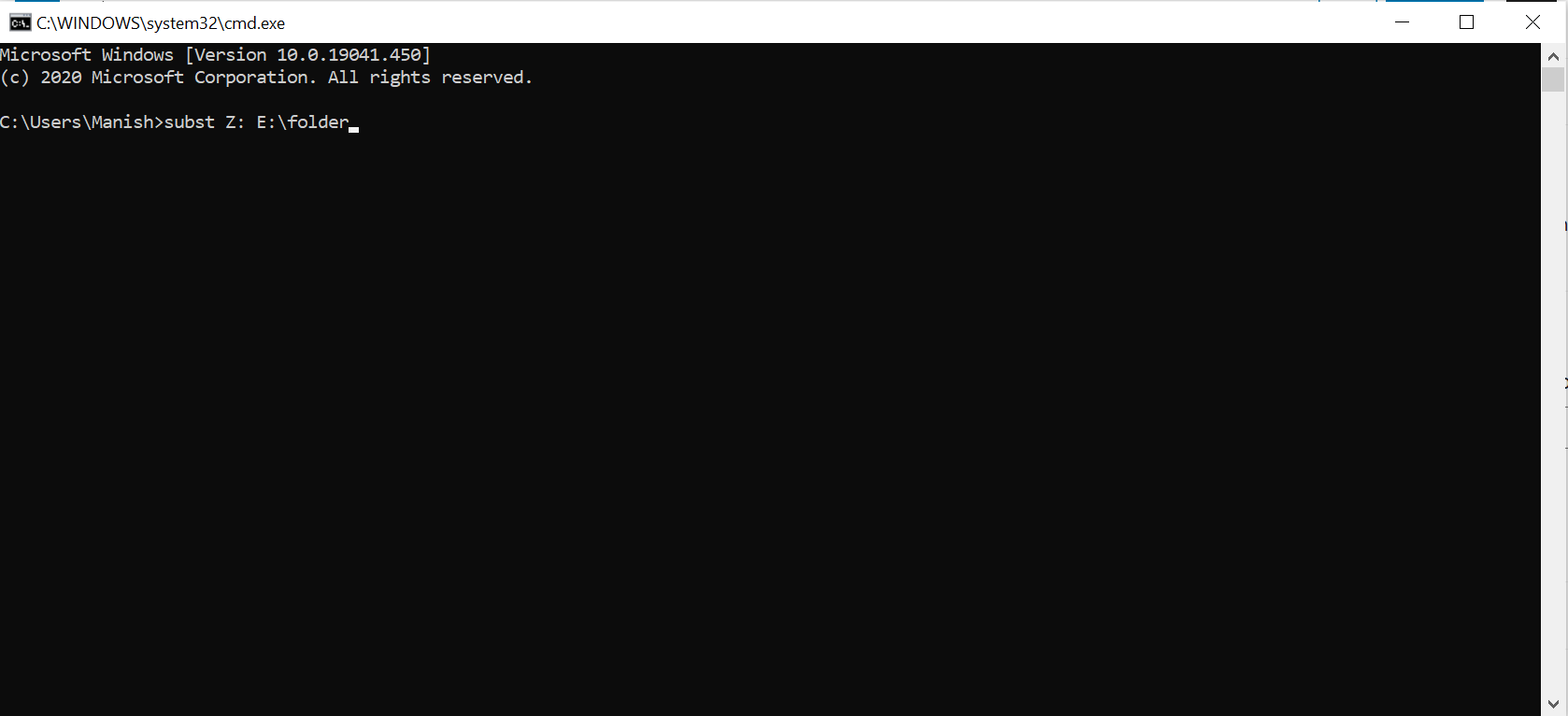
2. Type cmd and hit Enter.
This will open “Command Prompt”.
3. Type subst Z: E:\folder and hit Enter key.
You can replace Z: with your desired New Drive Letter (Except existing Drive letters).
You can replace E:\folder with the path of your favorite folder.
4. Now, type exit and press enter.
This creates a new drive ! When you open this , it will open your folder !!!
NOTE: AFTER RESTART IT WILL DISAPPEAR.
You will also like our another related Article: Display Custom Text on boot screen of Windows
Leave a Reply