Modern development workflows are shifting rapidly from static chat interfaces to integrated agent environments. While large language models excel at reasoning over text, their utility inside an IDE depends entirely on their ability to inspect local state, query private systems, and execute deterministic actions. The Model Context Protocol (MCP) has emerged as the open architectural standard that makes this integration predictable, secure, and vendor-agnostic.
Instead of writing bespoke plugins for every editor or relying on brittle copy-paste patterns, MCP provides a universal specification for exposing tools, prompts, and resources to local clients over standard communication channels. This guide explores how MCP functions under the hood and walks through implementing a production-ready, local-first MCP server in TypeScript.
How MCP Architecture Operates
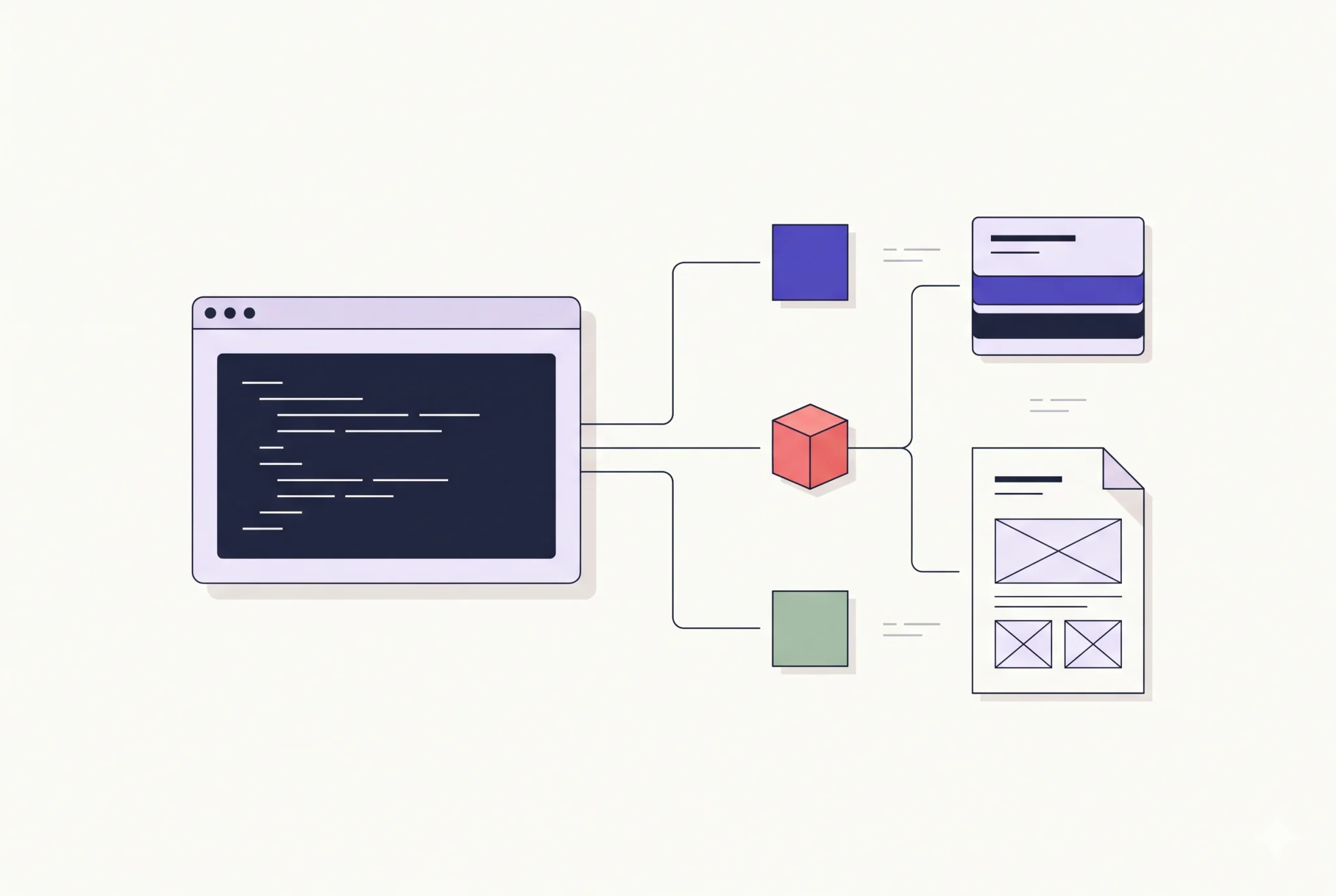
At its core, MCP operates as an asymmetric client-server system communicating via JSON-RPC 2.0. The editor or coding assistant acts as the host/client, while your utility process acts as the server:
Standard I/O Transport (stdio): For local development tools, the client launches the server as a subprocess and communicates strictly over standard input (
stdin) and standard output (stdout). This design avoids port conflicts, eliminates firewall configuration, and keeps execution sandboxed to your local machine.Three Core Primitives: MCP servers expose three primary primitives: Tools (executable functions with explicit input schemas), Resources (read-only context data, similar to virtual files), and Prompts (pre-structured contextual templates).
Contract Verification: Inputs and outputs are strictly typed using standard JSON Schema definitions, ensuring language models understand parameter constraints before dispatching an invocation.
Clean Pipeline Rule: Because stdio servers use standard output for framing JSON-RPC envelopes, never use raw
console.log()statements for application debugging inside an MCP process. Doing so corrupts the message stream and breaks the client handshake. Always direct runtime diagnostics to standard error (console.error()).
Setting Up the Project Workspace
To build a clean, typed server, initialize a Node.js project configured for ECMAScript Modules (ESM) and install the official SDK alongside runtime validation libraries:
mkdir local-mcp-server
cd local-mcp-server
npm init -y
npm install @modelcontextprotocol/sdk zod
npm install -D typescript @types/node tsx
Update your package.json to ensure modular compilation and define execution scripts:
{
  "name": "local-mcp-server",
  "version": "1.0.0",
  "type": "module",
  "bin": {
    "local-mcp-server": "./dist/index.js"
  },
  "scripts": {
    "build": "tsc",
    "start": "node dist/index.js",
    "dev": "tsx src/index.ts"
  }
}
Create a minimal tsconfig.json in the project root to enforce modern module resolution:
{
  "compilerOptions": {
    "target": "ES2022",
    "module": "NodeNext",
    "moduleResolution": "NodeNext",
    "outDir": "./dist",
    "rootDir": "./src",
    "strict": true,
    "esModuleInterop": true,
    "skipLibCheck": true,
    "forceConsistentCasingInFileNames": true
  },
  "include": ["src/**/*"]
}
Writing the MCP Server
We will construct a server that exposes two practical tools: a workspace file inspector that safely limits read depth, and a structured system utility that reports host runtime metrics.
Create src/index.ts and add the following implementation:
import { Server } from "@modelcontextprotocol/sdk/server/index.js";
import { StdioServerTransport } from "@modelcontextprotocol/sdk/server/stdio.js";
import {
  CallToolRequestSchema,
  ListToolsRequestSchema,
} from "@modelcontextprotocol/sdk/types.js";
import { z } from "zod";
import os from "node:os";
import fs from "node:fs/promises";
import path from "node:path";

// Initialize server instance metadata
const server = new Server(
  {
    name: "local-dev-utilities",
    version: "1.0.0",
  },
  {
    capabilities: {
      tools: {},
    },
  }
);

// Define runtime schemas using Zod
const ReadDirectoryArgsSchema = z.object({
  dirPath: z.string().describe("Relative directory path within the project root"),
  maxItems: z.number().optional().default(50).describe("Maximum entries to return"),
});

// Register available tools with the client
server.setRequestHandler(ListToolsRequestSchema, async () => {
  return {
    tools: [
      {
        name: "get_system_metrics",
        description: "Returns local operating system metrics including architecture, uptime, and memory usage.",
        inputSchema: {
          type: "object",
          properties: {},
          required: [],
        },
      },
      {
        name: "inspect_directory",
        description: "Lists directory contents safely with entry types and file sizes.",
        inputSchema: {
          type: "object",
          properties: {
            dirPath: {
              type: "string",
              description: "Relative directory path within the project root",
            },
            maxItems: {
              type: "number",
              description: "Maximum entries to return",
            },
          },
          required: ["dirPath"],
        },
      },
    ],
  };
});

// Handle tool executions
server.setRequestHandler(CallToolRequestSchema, async (request) => {
  const { name, arguments: rawArgs } = request.params;

  try {
    if (name === "get_system_metrics") {
      const freeMem = (os.freemem() / (1024 * 1024)).toFixed(2);
      const totalMem = (os.totalmem() / (1024 * 1024)).toFixed(2);

      const metrics = {
        platform: os.platform(),
        architecture: os.arch(),
        uptimeHours: (os.uptime() / 3600).toFixed(2),
        memoryMb: `${freeMem} free / ${totalMem} total`,
      };

      return {
        content: [
          {
            type: "text",
            text: JSON.stringify(metrics, null, 2),
          },
        ],
      };
    }

    if (name === "inspect_directory") {
      const parsed = ReadDirectoryArgsSchema.safeParse(rawArgs);
      if (!parsed.success) {
        throw new Error(`Invalid arguments: ${parsed.error.message}`);
      }

      const targetPath = path.resolve(process.cwd(), parsed.data.dirPath);

      // Ensure resolution stays within the working tree boundary
      if (!targetPath.startsWith(process.cwd())) {
        throw new Error("Access denied: Target path escapes working directory root.");
      }

      const entries = await fs.readdir(targetPath, { withFileTypes: true });
      const slice = entries.slice(0, parsed.data.maxItems);

      const formatted = slice.map((entry) => ({
        name: entry.name,
        type: entry.isDirectory() ? "directory" : "file",
      }));

      return {
        content: [
          {
            type: "text",
            text: JSON.stringify({ total: entries.length, returned: formatted.length, entries: formatted }, null, 2),
          },
        ],
      };
    }

    throw new Error(`Unknown tool: ${name}`);
  } catch (error) {
    const message = error instanceof Error ? error.message : "Internal tool failure";
    return {
      isError: true,
      content: [
        {
          type: "text",
          text: `Tool Execution Error: ${message}`,
        },
      ],
    };
  }
});

// Start the stdio transport
async function main() {
  const transport = new StdioServerTransport();
  await server.connect(transport);
  console.error("Local MCP Server connected and listening on stdio.");
}

main().catch((err) => {
  console.error("Fatal startup error:", err);
  process.exit(1);
});
Connecting Your Server to an MCP Client
Once compiled, the server can be registered into any MCP-compatible environment (such as Claude Desktop, Cursor, or Cline) by updating the client's local configuration JSON file.
Add an entry under the mcpServers key pointing to your compiled script:
{
  "mcpServers": {
    "local-utilities": {
      "command": "node",
      "args": ["/absolute/path/to/local-mcp-server/dist/index.js"]
    }
  }
}
When the host environment boots, it automatically spawns the process, conducts the capability handshake, and exposes get_system_metrics and inspect_directory directly to the model's tool selection pipeline.
Best Practices for Production-Grade Local Servers
When extending your server to handle complex team workflows, keep these production principles in mind:
Bound Tool Execution Windows: Language models can become trapped in loops if a tool hangs on an unresolved promise. Enforce timeouts using
AbortControllersignals inside tool handlers.Keep Payloads Concise: Context windows are finite. Do not dump multi-megabyte log files or large SQLite dumps directly into raw tool responses. Pre-filter, paginate, or summarize structural payloads before returning them.
Strict Path Verification: When exposing tools that interact with the local filesystem, always normalize and verify paths using
path.resolve()to prevent directory traversal attacks (such as passing../../).
Building targeted, local-first MCP servers provides your development environment with deterministic superpowers while preserving complete architectural control over your local code and credentials.