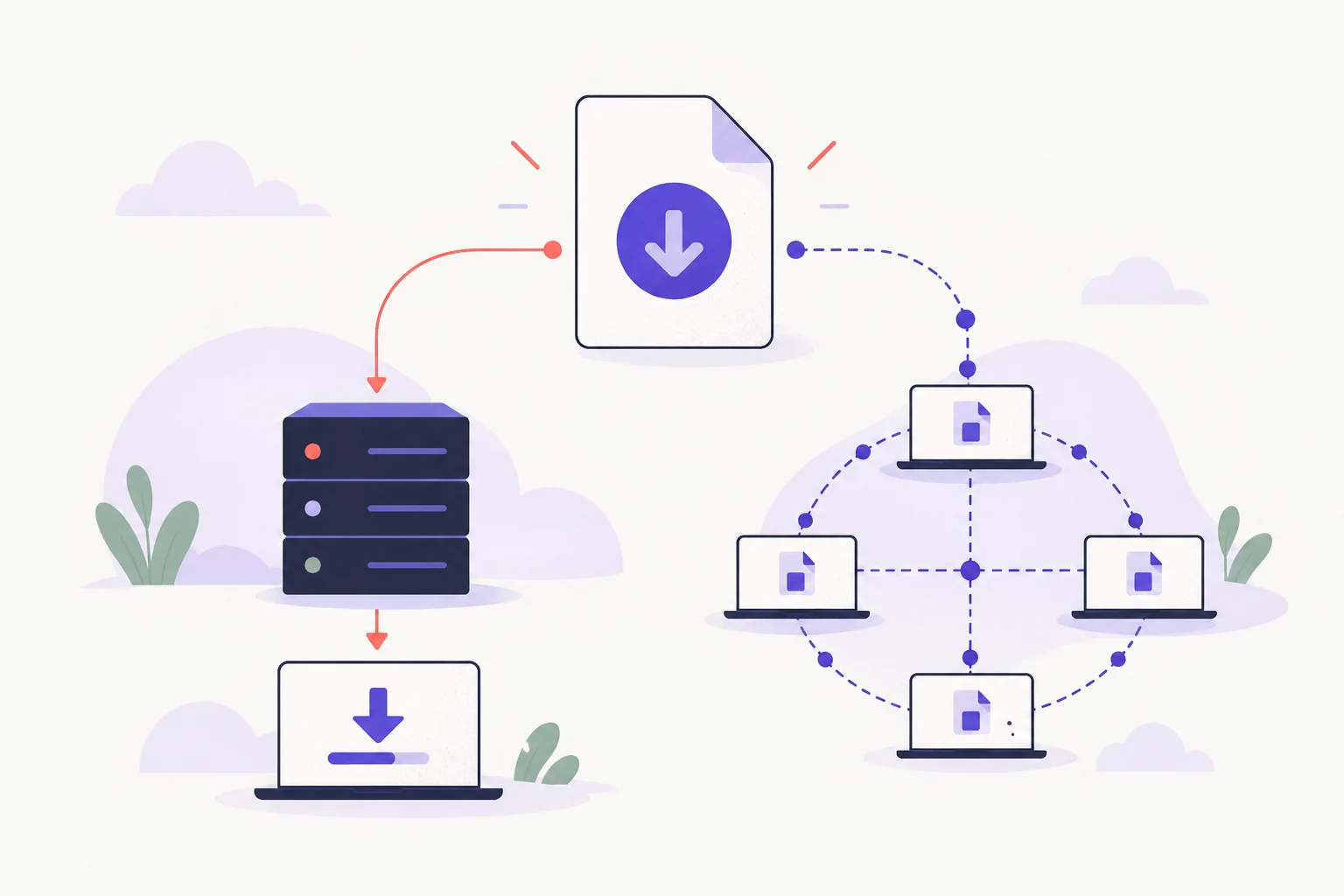

An offline copy is most useful when the material is mostly static: documentation, a reference site or a collection of ordinary linked pages. It is not a backup of the server-side application behind those pages.
Set a small crawl boundary#
HTTrack can retrieve linked pages and adjust links for a local copy. Start with a small public section that you are allowed to copy. Set limits for depth, scope and transfer size before starting, rather than asking the tool to follow every link it encounters.
Open the resulting local entry page after the transfer and follow several links with the network disconnected. That checks the copy itself instead of assuming that a completed transfer produced a complete site.
Know what a mirror leaves behind#
Authenticated pages, search results, forms and JavaScript applications may depend on a running server or remote API. An image loaded after a user interaction may never be discovered by the crawl. A copied login page does not bring its authentication service with it.
For a single article, the browser's save or print feature may be enough. For your own website, keep database and application backups separately; a crawl cannot replace them. The web-design history guide also explains why archived captures can look incomplete.