
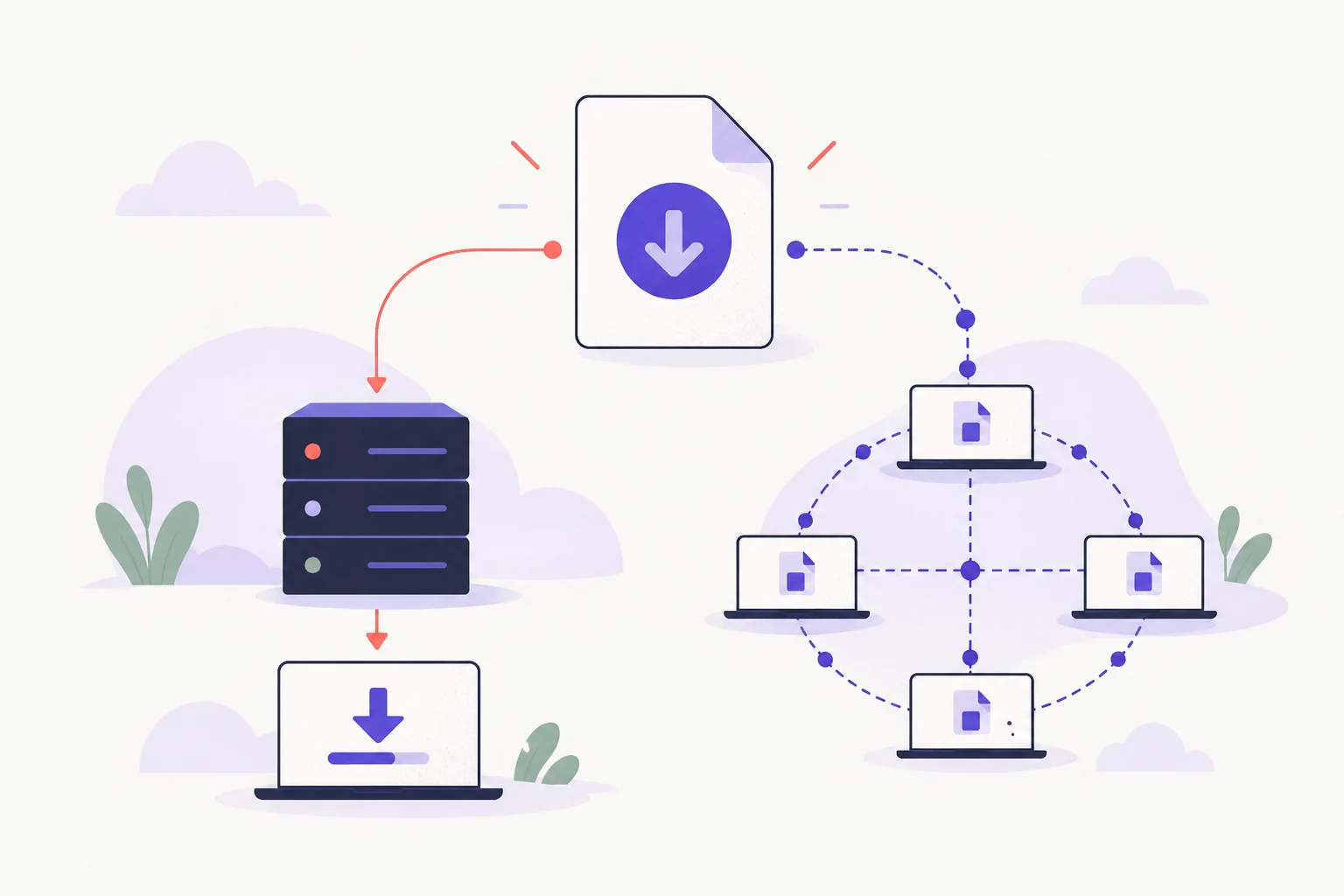
A .torrent file describes a transfer. It is not usually the content you wanted to download. An HTTP download manager and a BitTorrent client therefore do different jobs.
Pick the transport the publisher offers#
For a direct download, the browser or download manager requests a file from a server. With BitTorrent, a compatible client uses torrent metadata or a magnet link to find peers and retrieve verified pieces. The BitTorrent protocol specification describes the basic model.
If a publisher offers both options, choose the one that fits your connection and tools. A torrent with too few available peers can be slow even when your own connection is fast.
What a torrent-to-HTTP service changes#
Such a service retrieves the content on its own infrastructure and gives you an HTTP link. That introduces a third party, its retention practices and its limits. Check those terms at the time of use rather than relying on a quota quoted in an older tutorial.
Download material you are entitled to obtain, verify publisher-provided hashes where available, and avoid giving an intermediary access to private links without understanding the consequences. Saving an ordinary website for reading is a different task; see offline copies with HTTrack.