
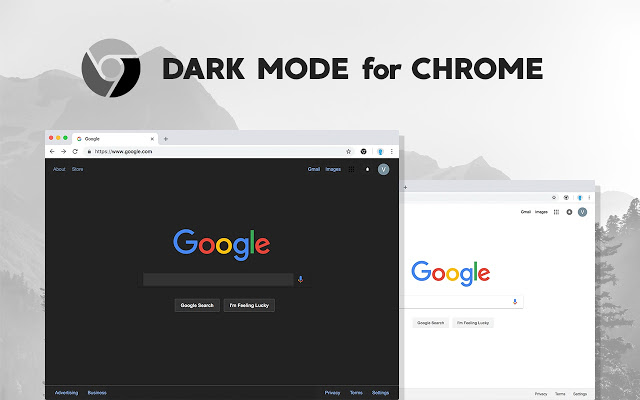
Google is bringing native dark mode support to its Chrome web browser for windows 10. The new dark mode will automatically switch when the dark theme is enabled on Windows 10. To enable Chrome’s dark theme, just switch your operating system to dark mode.
On Windows 10, go to Settings > Personalization > Colors and select “Dark” under “Choose your default app mode.” Now this changes will also reflect in your google chrome browser.
The dark mode is available for Google Chrome but the company says that it’ll be enabling the feature gradually, means that only a select number of users will get this feature by default.

If you don’t want to wait, you can try the dark mode by using the “–force-dark-mode” flag to enable the dark mode. You have to create a shortcut for the browser, and right-click on the shortcut > Properties to access its settings. In the Target field, you need to add the following parameter:
-force-dark-mode
Once you make the changes, just hit the Apply button and relaunch Google Chrome to try out the dark theme.
Read our another Article: Millions of users joining Telegram and Signal due to WhatsApp Policy
Leave a Reply