
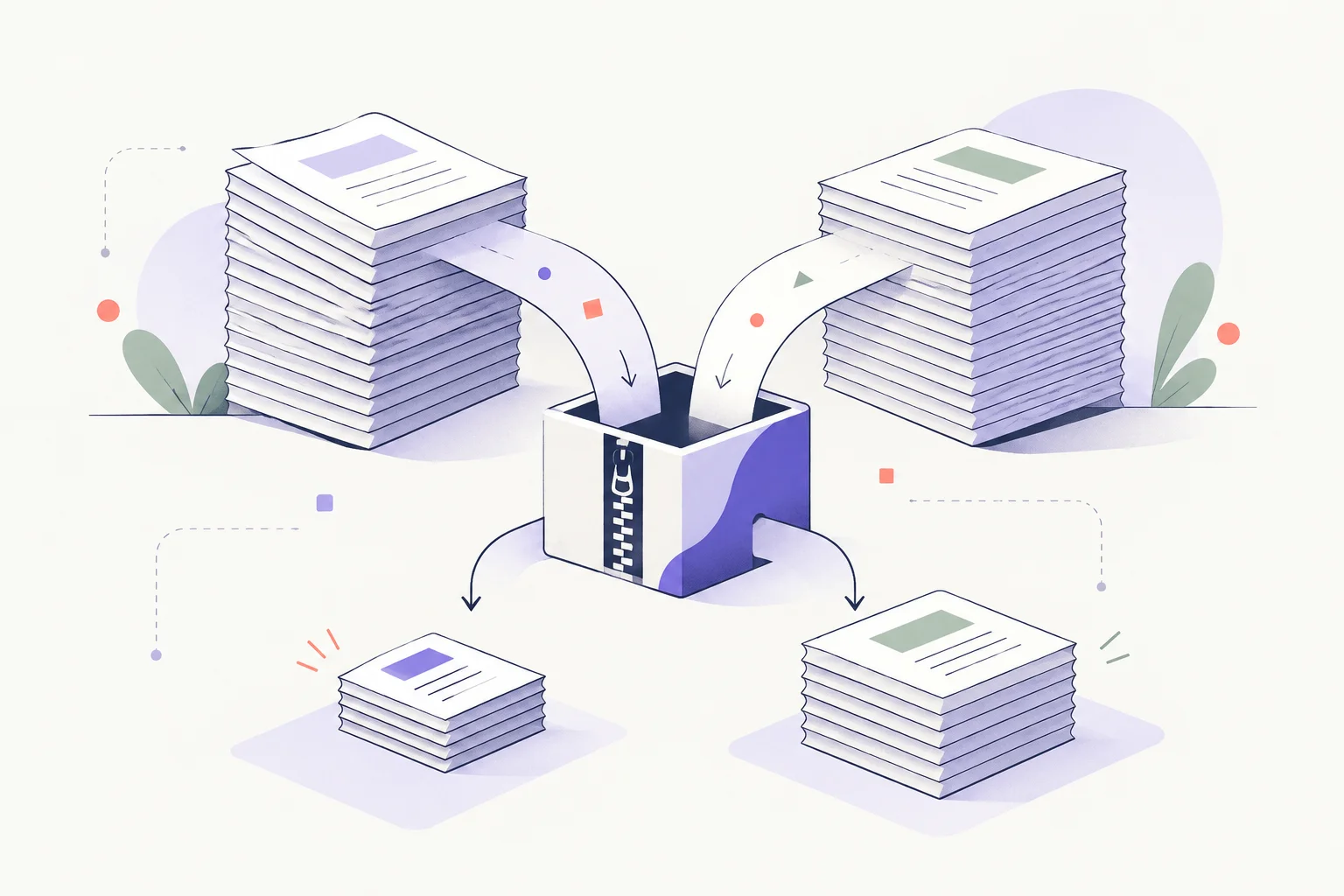
No lossless archiver can promise to turn every one-gigabyte file into ten megabytes. Compression depends on the data, not just the compression setting.
Why some files shrink and others do not#
Repeated text and repetitive data often compress well. A JPEG, many video files and an existing compressed archive may have little redundancy left for another archiver to remove. An encrypted file should also look difficult to compress.
An impressive ratio from one repetitive file says little about a folder of videos or encrypted backups. The useful number is the ratio on the data you need to store.
Make a useful comparison#
Use a maintained archive tool from its official source, keep the original files, and compare the result on your actual data. Record both output size and the time needed to create and extract it. A smaller archive that the recipient cannot open is not an improvement.
The 7-Zip FAQ explains practical compression questions and format support. Do not confuse password protection with a better compression ratio; encryption and compression solve different problems. For historical context on another archiver, see the WinRAR 5.30 release note.