Traditional password authentication has always suffered from a structural flaw: both the user and the server have to know the same shared secret. Even when teams enforce password managers and SMS or TOTP two-factor codes, attackers still bypass logins using reverse-proxy phishing pages that capture session tokens in real time.
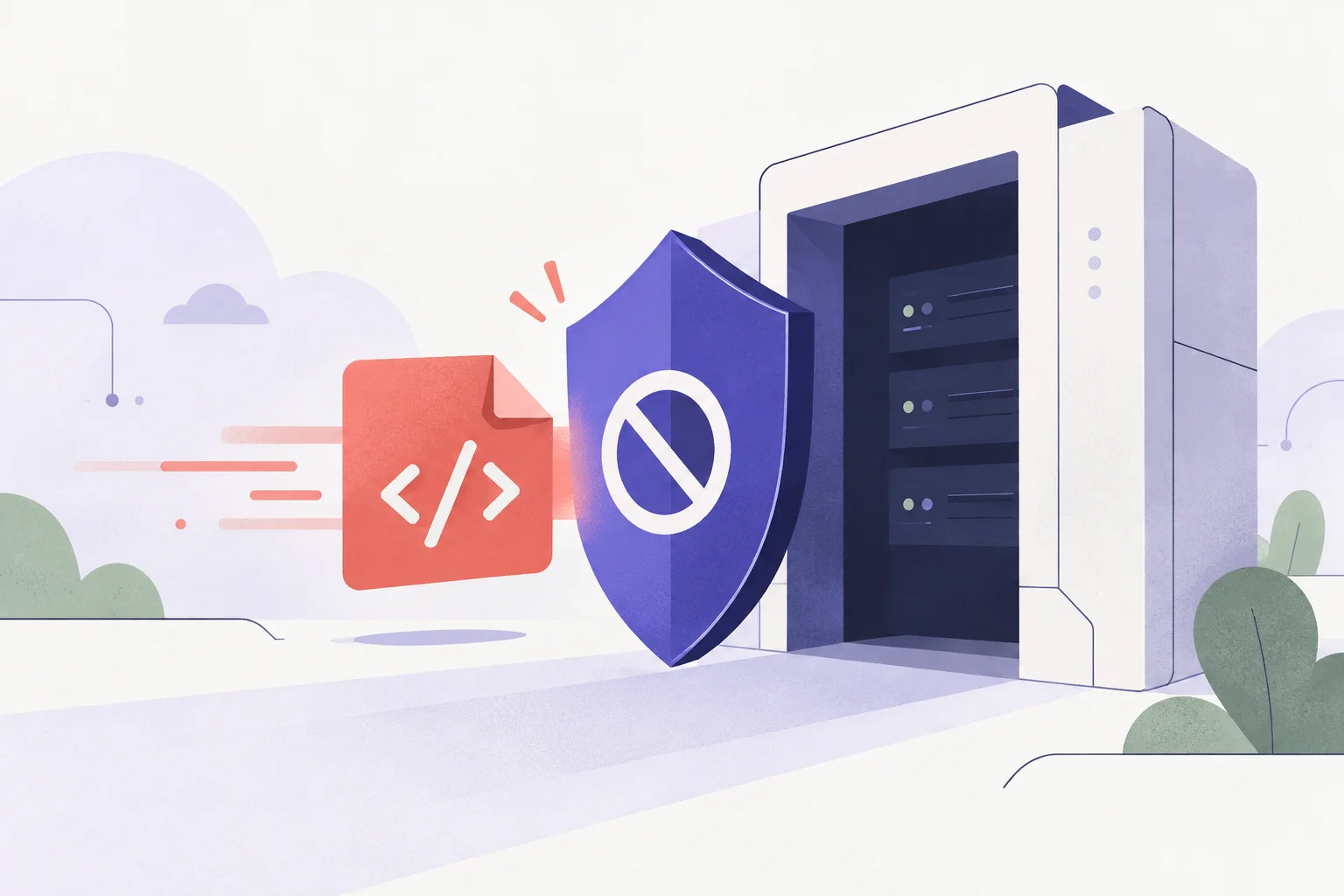
Passkeys—built on the W3C WebAuthn standard—solve this problem at the protocol level. Instead of transmitting a reusable secret over the network, the user's device generates an asymmetric cryptographic key pair bound directly to your domain name. Even if a user lands on a lookalike phishing domain, the browser refuses to sign the authentication challenge.
How WebAuthn and Passkeys Actually Work
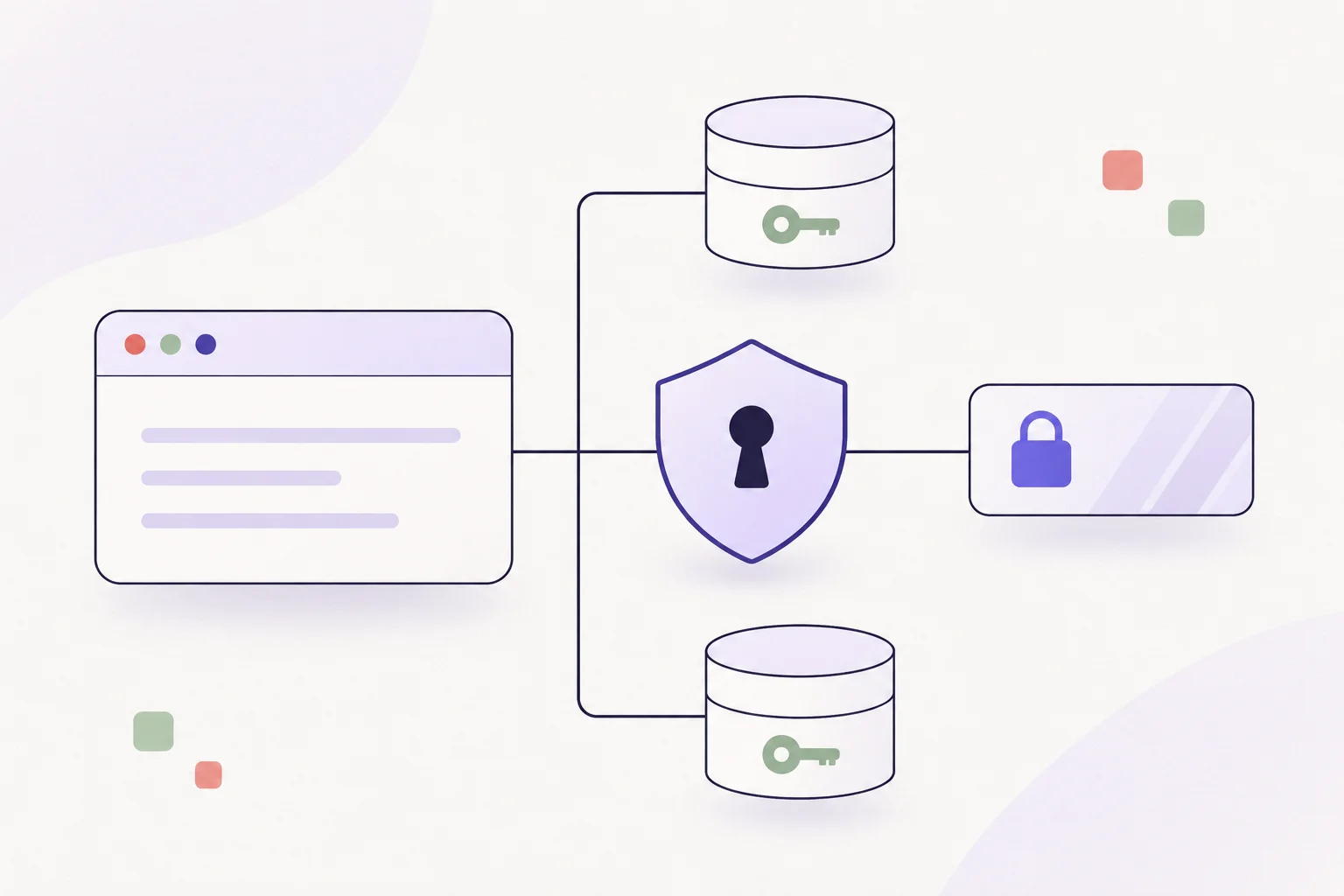
Under the hood, a passkey is a discoverable FIDO2 credential stored inside a platform authenticator—such as Windows Hello, Apple iCloud Keychain, Android Credential Manager, or a hardware security key. Every login flow involves two distinct ceremonies:
Registration (
navigator.credentials.create): Your backend generates a random cryptographic challenge. The user's device creates a fresh public/private key pair, keeps the private key locked inside secure hardware, and returns the public key and credential ID to your server.Authentication (
navigator.credentials.get): On subsequent visits, your server sends a new one-time challenge. The authenticator verifies the user locally via biometrics or device PIN, signs the challenge along with the browser's exactoriginURL, and sends the signature back for verification.
Why Phishing Fails: The browser itself embeds the active page's origin (for example,
https://app.example.com) into the signed client data payload. A fake site hosted athttps://app-example-login.comproduces a completely different origin hash, making credential replay impossible.
Step 1: Triggering Passkey Registration in the Browser
Because WebAuthn communicates using binary ArrayBuffer payloads while your backend API speaks JSON, the browser client needs lightweight helpers to convert base64url strings into binary buffers before calling the native Credentials API.
// Convert base64url strings from your backend into Uint8Array buffers
function base64urlToBuffer(base64url) {
  const padding = "=".repeat((4 - (base64url.length % 4)) % 4);
  const base64 = (base64url + padding).replace(/-/g, "+").replace(/_/g, "/");
  const rawData = atob(base64);
  const buffer = new Uint8Array(rawData.length);
  for (let i = 0; i < rawData.length; ++i) {
    buffer[i] = rawData.charCodeAt(i);
  }
  return buffer.buffer;
}

// Convert binary ArrayBuffers back into base64url strings for JSON transport
function bufferToBase64url(buffer) {
  const bytes = new Uint8Array(buffer);
  let binary = "";
  for (let i = 0; i < bytes.byteLength; i++) {
    binary += String.fromCharCode(bytes[i]);
  }
  return btoa(binary).replace(/\+/g, "-").replace(/\//g, "_").replace(/=+$/, "");
}

async function registerPasskey() {
  // 1. Fetch challenge and relying party options from your server
  const optionsRes = await fetch("/api/webauthn/register/options", {
    method: "POST",
    headers: { "Content-Type": "application/json" }
  });
  const options = await optionsRes.json();

  // 2. Decode binary fields required by WebAuthn
  options.challenge = base64urlToBuffer(options.challenge);
  options.user.id = base64urlToBuffer(options.user.id);

  // 3. Prompt the operating system to create the passkey
  const credential = await navigator.credentials.create({
    publicKey: options
  });

  // 4. Send the public key attestation back to your server to store
  const verificationPayload = {
    id: credential.id,
    rawId: bufferToBase64url(credential.rawId),
    type: credential.type,
    response: {
      attestationObject: bufferToBase64url(credential.response.attestationObject),
      clientDataJSON: bufferToBase64url(credential.response.clientDataJSON)
    }
  };

  const verifyRes = await fetch("/api/webauthn/register/verify", {
    method: "POST",
    headers: { "Content-Type": "application/json" },
    body: JSON.stringify(verificationPayload)
  });

  if (!verifyRes.ok) {
    throw new Error("Passkey registration verification failed.");
  }

  return verifyRes.json();
}
Step 2: Authenticating Users with Conditional UI
Modern browsers support Passkey Autofill (Conditional Mediation). Rather than forcing users to click a separate "Sign in with Passkey" button, you can attach autocomplete="username webauthn" to a standard input field. When the user focuses the input box, the browser surfaces saved passkeys right alongside regular autofill suggestions.
async function signInWithPasskey(useConditionalAutofill = false) {
  // 1. Request a fresh authentication challenge from your backend
  const optionsRes = await fetch("/api/webauthn/login/options", {
    method: "POST",
    headers: { "Content-Type": "application/json" }
  });
  const options = await optionsRes.json();

  options.challenge = base64urlToBuffer(options.challenge);
  if (options.allowCredentials) {
    options.allowCredentials = options.allowCredentials.map((cred) => ({
      ...cred,
      id: base64urlToBuffer(cred.id)
    }));
  }

  // 2. Request a cryptographic assertion from the device
  const assertion = await navigator.credentials.get({
    publicKey: options,
    mediation: useConditionalAutofill ? "conditional" : "optional"
  });

  // 3. Submit signed assertion to backend for signature verification
  const authPayload = {
    id: assertion.id,
    rawId: bufferToBase64url(assertion.rawId),
    type: assertion.type,
    response: {
      authenticatorData: bufferToBase64url(assertion.response.authenticatorData),
      clientDataJSON: bufferToBase64url(assertion.response.clientDataJSON),
      signature: bufferToBase64url(assertion.response.signature),
      userHandle: assertion.response.userHandle
        ? bufferToBase64url(assertion.response.userHandle)
        : null
    }
  };

  const verifyRes = await fetch("/api/webauthn/login/verify", {
    method: "POST",
    headers: { "Content-Type": "application/json" },
    body: JSON.stringify(authPayload)
  });

  if (!verifyRes.ok) {
    throw new Error("Passkey signature verification failed.");
  }

  return verifyRes.json();
}
Server-Side Verification Checklist
While the browser handles key storage and biometric prompts, your backend remains responsible for validating every cryptographic assertion before issuing a session cookie or token:
Verification Step | What Your Server Must Check |
|---|---|
Challenge Match | Confirm the decoded |
Origin & RP ID | Verify |
Signature Verification | Validate |
Sign Counter | If the authenticator returns a non-zero signature counter, confirm it strictly increments compared to the previous login to flag cloned credentials. |
Practical Rollout Rules for Production Apps
Keep Recovery Paths Clear: Synced passkeys across iCloud, Google Password Manager, and 1Password solve most lost-device headaches, but users still switch ecosystems. Allow accounts to register multiple passkeys alongside a verified email recovery flow.
Avoid Custom Cryptographic Parsers on the Backend: Use well-maintained, audited FIDO2 libraries such as
@simplewebauthn/server(Node.js/TypeScript),py_webauthn(Python), orgo-webauthn(Go) to handle CBOR attestation decoding and COSE signature math reliably.Test on Localhost Over HTTP: WebAuthn strictly requires HTTPS in production, but browsers explicitly allow
http://localhostas a secure context so you can test hardware keys and platform authenticators locally without self-signed certificates.
Adopting passkeys removes password hashing overhead, eliminates credential-stuffing attacks, and turns login into a single biometric tap—all using built-in browser standards.